
Create Market Questions
You'll need a Filmmaker Profile and an approved project before creating a Market Question. If you're not set up yet, see Getting started as a filmmaker and Submit a project.
Step 1: Create a Market Question
You can create a market from two places — both available in the dropdown menu:
- Create Market
- Manage Projects
This opens the Market Submission form, where you'll define your question, add details, and attach any visuals.
Step 2: Complete the market form
The form has three sections:
Project Details
Select your approved project, the current stage of development, and write a short featured description — a quick context-setter for fans about what's happening in your project that makes this question worth predicting.
Tip: The market page links back to your project page, giving fans more context about your film.
Market Question & Media
This is where you write your actual question and upload related visuals. Keep your Market Question specific, easy to understand, and tied to a real outcome you can verify.
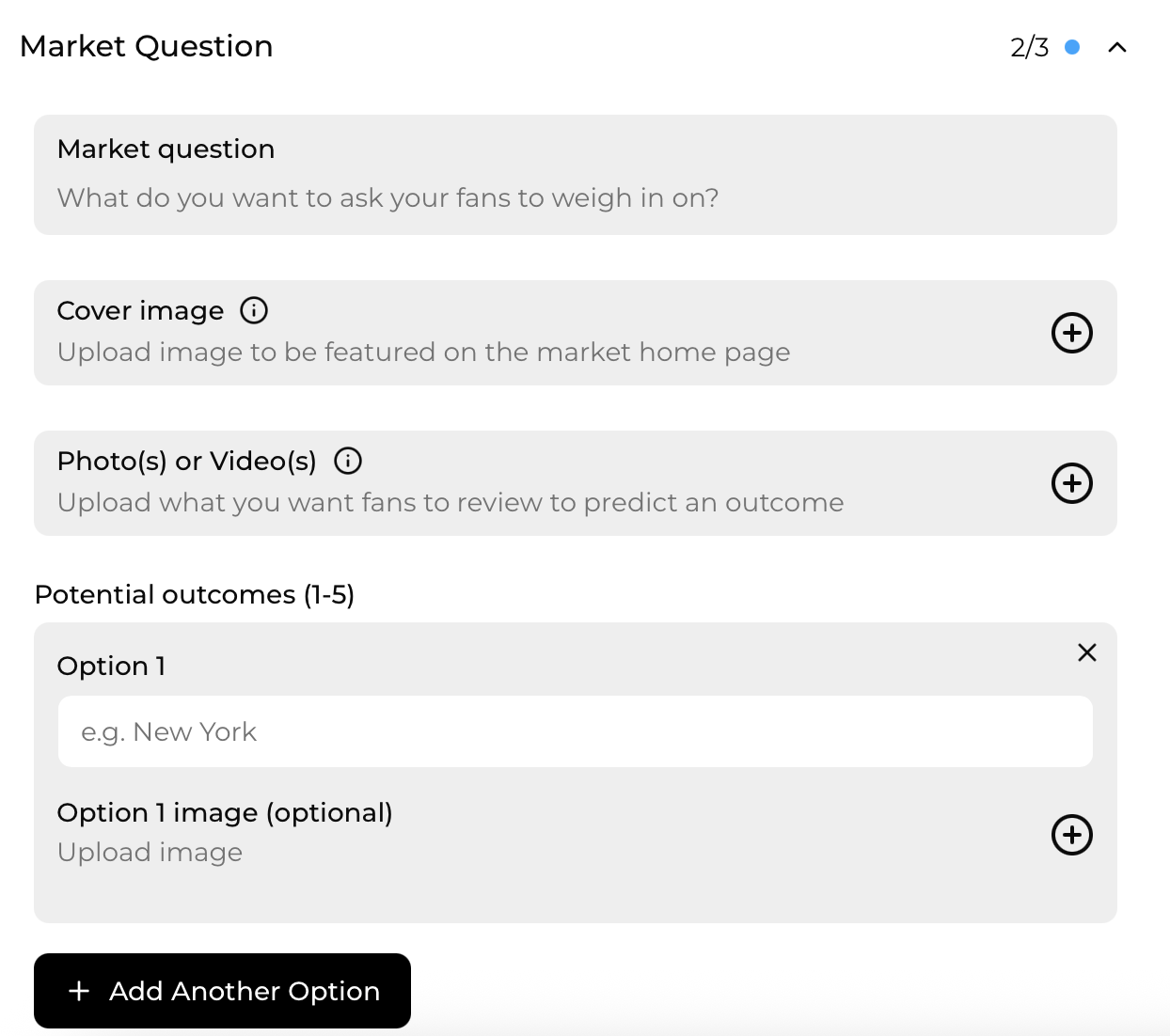
This is also where you can personalize your market page to get your fans excited.
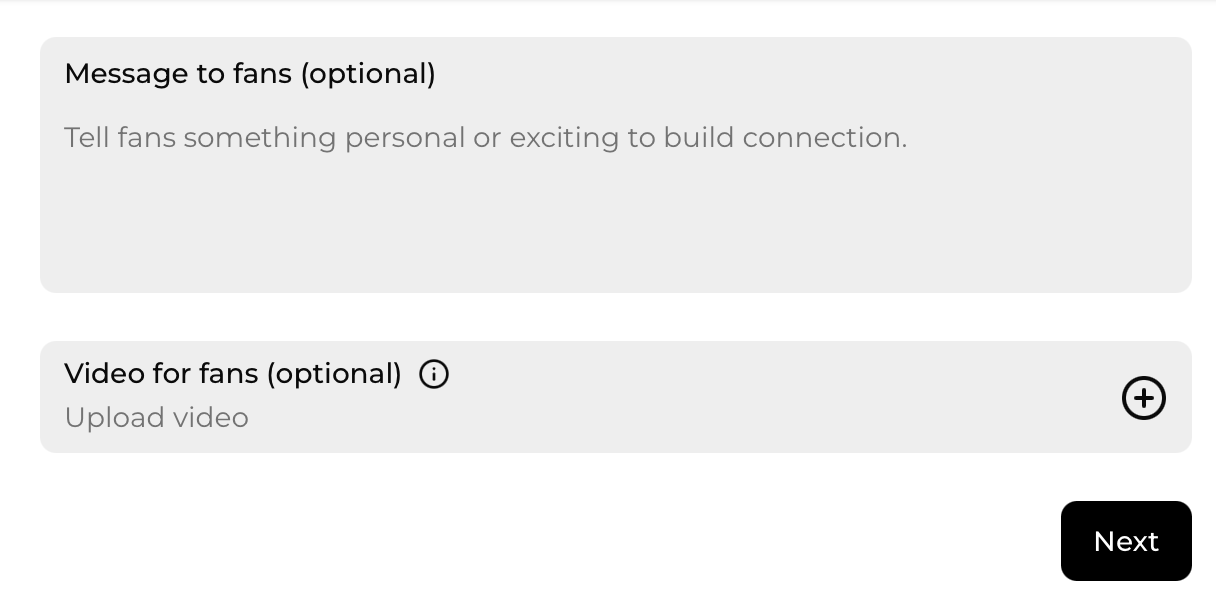
Outcomes and verification
Define how Story Inc. will verify the outcome and set your market closing date (Eastern Time). Be specific — for example, "Filmmaker announces premiere location on official social channels" or "Box office totals verified via distributor report." The market closes automatically at the date and time you set.
Step 3: Submit for review
Once you've completed your Market Question, click Submit for review. Every market is reviewed by the Story Inc. team to ensure it's clear, engaging, and aligned with platform standards.
You can continue to edit your Market Question until it's approved and scheduled for launch. After it goes live, no changes can be made until the market closes and is resolved.
Step 4: Go live and engage fans
When approved, your market:
- Appears on your project page within the Market Questions carousel, so fans can browse all the active markets linked to your project.
- Is featured on the main Market page, where the broader Story Inc. community can discover and participate.
Share your market link, post an update on your project page, and invite fans to join in. The more engagement your market gets, the more insights you'll collect.
Step 5: Resolving your market
As the filmmaker, you're responsible for following through on the outcome verification plan you outlined during submission — whether it's posting the result on your social channels, confirming an announcement, or providing proof of the event.
Story Inc. will use your verification to officially close the market and confirm the result.
Tips for developing Market Questions
Timing your Market Questions
Because movies and TV projects can take months or even years to complete, aim for a mix — some questions tied to near-term moments like casting or trailers, others building anticipation toward bigger milestones like premieres or awards. A healthy mix keeps fans excited and gives them more chances to participate throughout your project's life cycle.
A healthy mix of both keeps fans excited, gives them more chances to participate, and provides you with ongoing audience insight throughout your project's life cycle.
Tip: You can launch new Market Questions at any time — think of them as ongoing chapters in your story's conversation with fans.
Ideas for Market Questions
Market Questions aren't just about milestones — they're a creative tool. Use them to test story choices, audience reactions, or marketing ideas. You can ask fans to predict:
- Which ending or cut they think will resonate most
- How audiences might respond to a trailer, casting choice, or title
- Which festivals or platforms will pick up your film
- Whether your teaser or campaign will reach certain engagement goals
You can use Market Questions to gain insight into what audiences notice, expect, or want — even during development. Use it as a way for them to feel invested in your project.
Updated May 29, 2026